

Learn everything you need to know about QR codes, from basic concepts to choosing between static and dynamic types for your business.
A QR code is a two-dimensional barcode that stores data in a scannable pattern. Unlike traditional barcodes limited to 20 characters, QR codes hold up to 4,296 characters—enough for URLs, contact details, WiFi credentials, or plain text.
This guide covers everything you need to create effective QR codes for personal or business use.
What Makes QR Codes Different from Barcodes
Traditional barcodes store data horizontally in a series of lines. QR codes use both horizontal and vertical space, creating a square pattern that scanners read from any angle. This design enables:
- More data capacity: Thousands of characters vs. about 20
- Error correction: Works even when partially damaged (up to 30%)
- Fast scanning: Any smartphone camera works, no special scanner needed
- Flexible orientation: Scan from any angle, upside down included
How QR Codes Work
Each QR code contains position markers (the three large squares in the corners), alignment patterns, timing patterns, and data modules. Learn more about how QR codes encode information.
Static vs Dynamic QR Codes
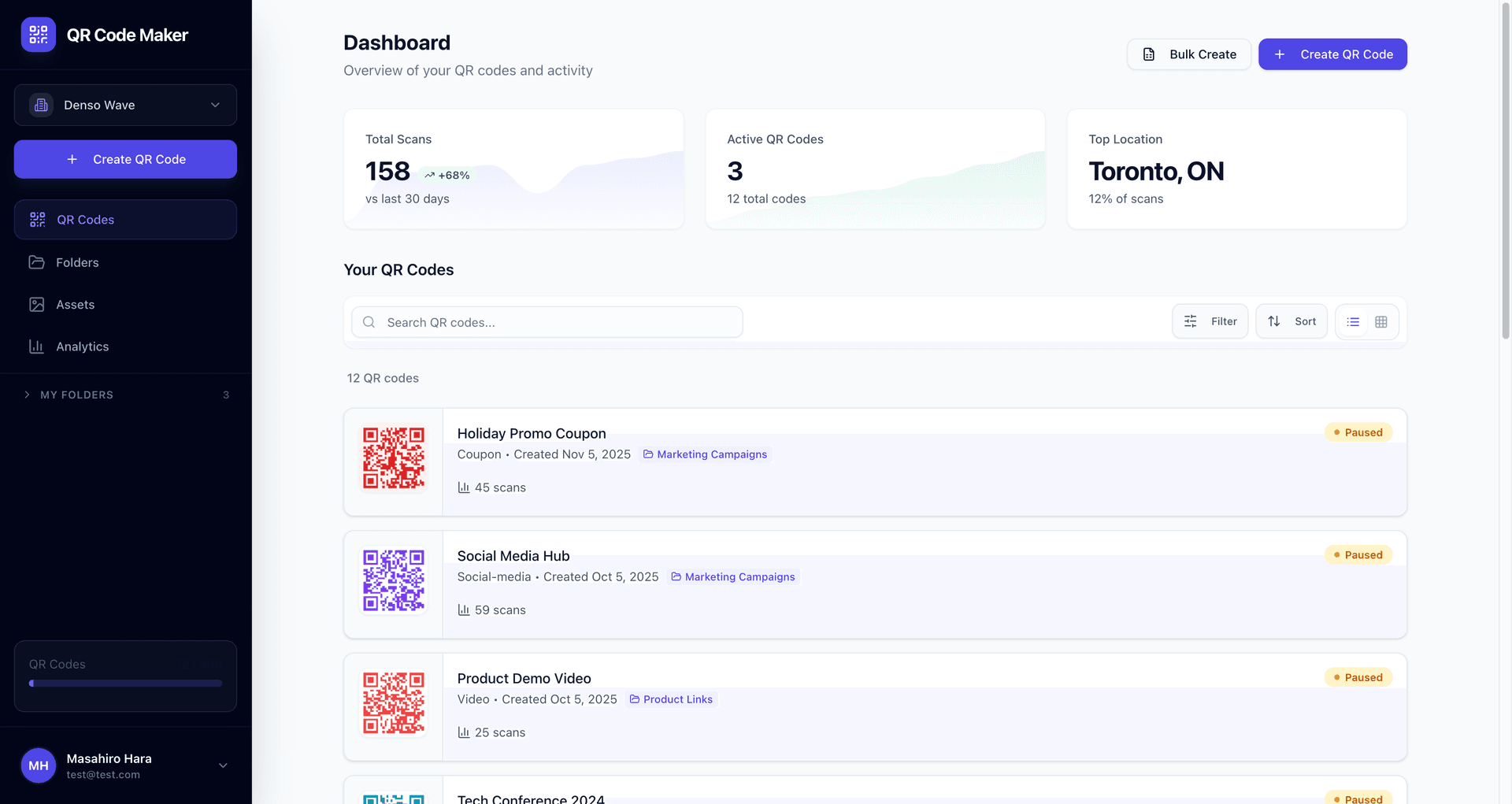
The most important decision when creating a QR code is choosing between static and dynamic types. This choice affects whether you can edit content, track scans, and update destinations after printing.
| Feature | Static | Dynamic |
|---|---|---|
| Editable after creation | No | Yes |
| Scan tracking | No | Yes |
| Works offline | Yes (WiFi, vCard) | No |
| Cost | Free | Usually subscription |
Use static codes for: WiFi passwords, contact cards (vCard), permanent content you'll never change.
Use dynamic codes for: Marketing campaigns where you need scan analytics, content that might change, or URLs you might need to update.
For a deep dive on this decision, see our static vs dynamic QR code comparison.
Common QR Code Use Cases
Business Applications
| Use Case | Recommended Type | Why |
|---|---|---|
| Restaurant menus | Dynamic | Update menu items without reprinting |
| Business cards | Static | Contact info rarely changes |
| Product packaging | Dynamic | Link to updated product pages |
| Marketing flyers | Dynamic | Track campaign performance |
| WiFi guest access | Static | Works offline, no tracking needed |
Personal Use
- Event invitations: Share event details, maps, RSVP links
- WiFi sharing: Let guests connect without typing passwords
- Social profiles: Link to your LinkedIn, Instagram, or portfolio
- Digital business card: vCard format saves contact directly to phone
Best Practices for QR Code Design
Size and Placement
Minimum size: 2cm × 2cm (0.8 inches) for close-up scanning. Scale up proportionally for distance viewing—billboards need codes 10× larger than business cards.
Quiet zone: Leave white space around the code equal to 4 modules (the small squares). Crowded designs with text touching the code often fail to scan.
Contrast and Color
QR codes need high contrast to scan reliably:
- Dark foreground on light background works best
- The foreground must be at least 40% darker than background
- Avoid gradients, patterns, or low-contrast color pairs
- Test in various lighting before printing
Common Mistake
Inverting colors (light code on dark background) reduces scannability. Some phones struggle with inverted codes, especially in low light. Stick to dark-on-light.
Always Include a Call to Action
A QR code without context gets ignored. Always tell people what they'll get:
- "Scan for 20% off your first order"
- "Scan to view the full menu"
- "Scan to connect to WiFi"
- "Scan for exclusive content"
Test Before Printing
Before printing 1,000 flyers, test your code on:
- Multiple phone models (iPhone, Android)
- Different QR scanner apps (not just the default camera)
- Various lighting conditions
- The actual print material at actual size
Choosing a QR Code Generator
Not all QR code generators are equal. Here's what matters:
For Static Codes
Most free QR code generators handle static codes fine. The code is self-contained—once generated, it doesn't depend on any external service.
For Dynamic Codes
Dynamic codes require ongoing infrastructure (servers to handle redirects). Key considerations:
- What happens if you cancel? Some services break your codes immediately
- Pricing model: True monthly billing vs. annual-only lock-in
- Analytics depth: Basic scan counts vs. detailed device/location data
- Code permanence: Will codes stop working after a trial ends?
Our Approach
At QR Code Maker, static codes are always free and never expire. We offer a 14-day Pro trial (no credit card required) to test dynamic codes. If you don't subscribe, excess codes are paused—not broken—until you choose which one to keep active on the free tier.
Getting Started: Your First QR Code
Creating a QR code takes just a few clicks. Start by selecting your content type, then customize the appearance to match your brand.
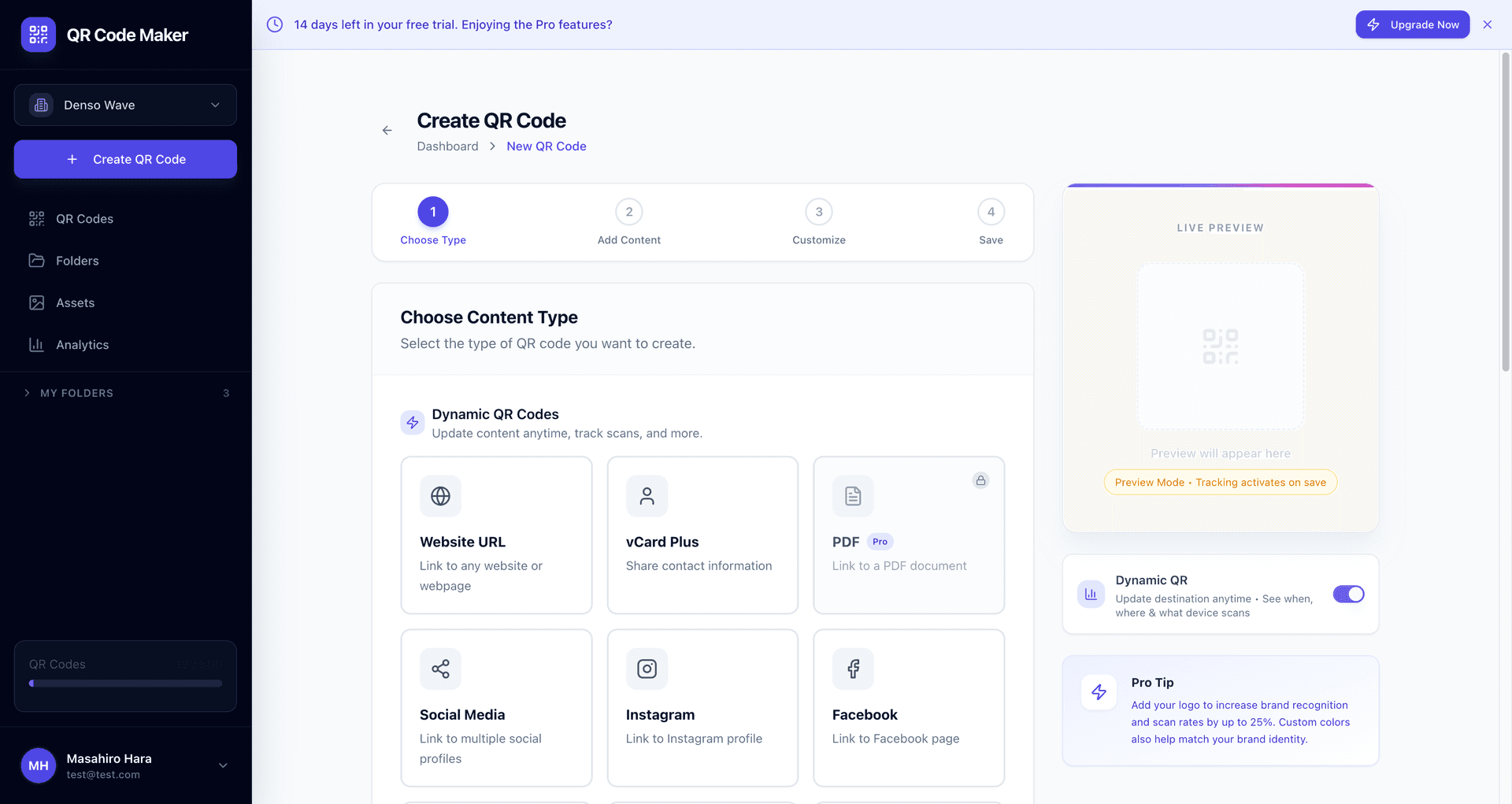
Ready to create your first QR code? Try it right here:
Free account includes unlimited static codes + 1 trackable dynamic code
Here's the general process:
- Decide static or dynamic: Will you need to edit it or track scans?
- Choose your content type: URL, WiFi, vCard, or plain text
- Enter your data: The URL, credentials, or contact info
- Customize appearance: Colors, logo (optional), style
- Test thoroughly: Multiple devices, multiple conditions
- Download and deploy: PNG for digital, SVG/PDF for print
For print materials, always download vector formats (SVG or PDF) to ensure crisp edges at any size.
Frequently Asked Questions
How do I scan a QR code?
Most modern smartphones scan QR codes automatically through the camera app. Open your camera, point at the code, and tap the notification that appears. If your phone doesn't recognize QR codes natively, download a free QR scanner app.
Are QR codes free to create?
Static QR codes are typically free and remain free forever—the data is encoded directly in the pattern. Dynamic QR codes usually require a subscription because they need server infrastructure for redirects and analytics.
Do QR codes expire?
Static codes never expire—they're self-contained patterns. Dynamic codes depend on the provider: some expire after trials, others keep working indefinitely. Always check a provider's expiration policy before printing.
Can I customize how my QR code looks?
Yes. You can change colors, add logos, and adjust corner styles. However, heavy customization can reduce scannability. Always test customized codes before mass printing.
What's the maximum data a QR code can hold?
Up to 4,296 alphanumeric characters or 7,089 numeric characters. However, more data creates denser codes that are harder to scan. Keep URLs short or use dynamic codes for long destinations.
Do QR codes work without internet?
Static codes for WiFi, vCards, and plain text work offline—the data is in the pattern itself. Dynamic codes always require internet because they redirect through a server.
How do I track QR code scans?
You need a dynamic QR code. The redirect server logs each scan with timestamp, approximate location (from IP), and device type. See our complete guide to QR code tracking.
What size should my QR code be?
Minimum 2cm × 2cm for close-up scanning (like business cards). For posters or signage, use the 10:1 rule—if viewers are 10 feet away, the code should be at least 1 foot across.
Next Steps
Now that you understand QR code basics:
- Decide what you're creating: Marketing campaign? WiFi sharing? Contact card?
- Choose static or dynamic: Based on whether you need editing/tracking
- Create your first code: Start free with QR Code Maker
- Test thoroughly: Before printing or sharing widely
- Track and optimize: If using dynamic codes, monitor performance
QR codes bridge physical and digital experiences. Used well, they reduce friction, track engagement, and update content without reprinting. The key is matching code type to use case—then testing before you deploy.
Ready to create your QR code?
Free forever for static codes. Pro features with 14-day trial, no credit card required.

Irina Aguiar
·Content LeadIrina Aguiar leads content strategy at QR Code Maker, where she has written extensively on QR code technology, marketing, and business operations. Her work ranges from technical explainers on how QR codes are generated and how error correction works to practical guides on QR marketing, automation, and scan analytics — plus hands-on tutorials covering Python, Google Sheets, and Zapier integrations. She also publishes honest competitor comparisons and industry-specific playbooks for retail, real estate, hospitality, healthcare, and events.
More from Irina Aguiar →Related Articles
QR Codes vs Barcodes: Which Should You Use? (2026 Guide)
Compare QR codes and barcodes side-by-side. Learn the key differences in data capacity, scanning, and use cases to pick the right code for your needs.
QR Code Error Correction: How Damaged Codes Still Scan (2026)
Learn how QR code error correction works and when to use each level. Understand why damaged QR codes still scan and how to choose the right error correction for your use case.
QR Code Size Guide: Minimum Dimensions for Every Use (2026)
Learn the minimum QR code size for business cards, posters, billboards, and more. Includes scanning distance calculations and size recommendations by use case.