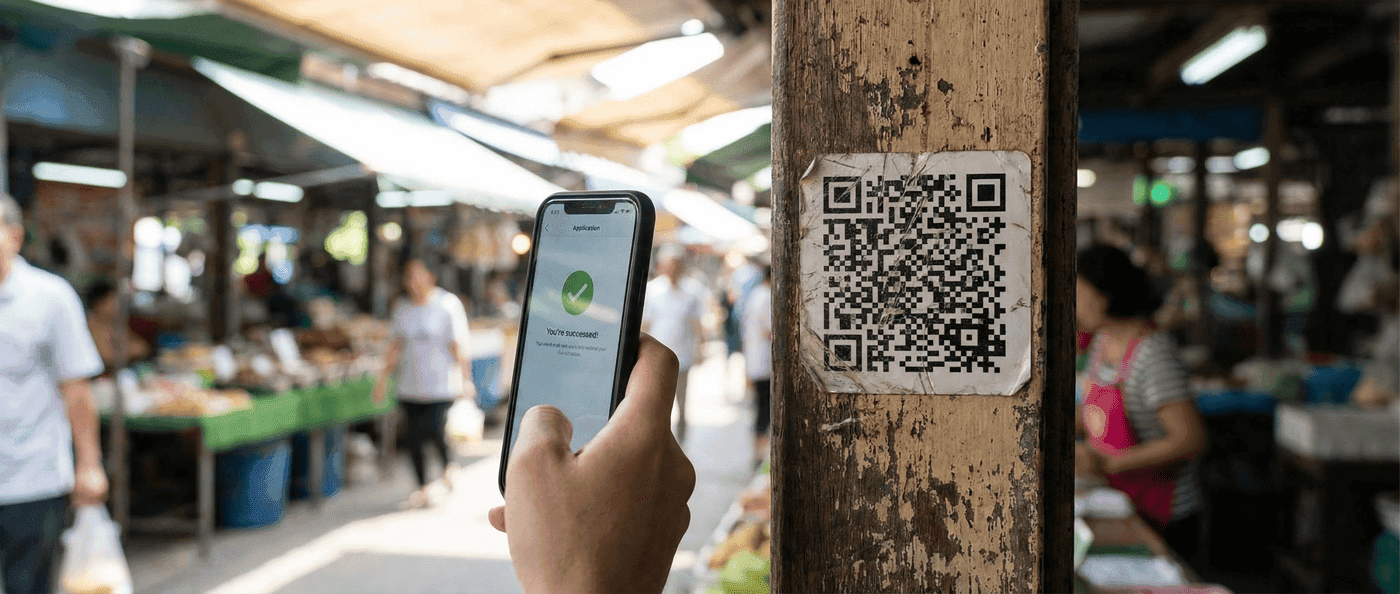

Learn how QR code error correction works and when to use each level. Understand why damaged QR codes still scan and how to choose the right error correction for your use case.
QR code error correction is a built-in redundancy system that allows QR codes to be scanned even when partially damaged, dirty, or obscured. Using Reed-Solomon error correction, QR codes can recover from up to 30% data loss—which is why you can add logos to codes without breaking them.
This guide explains how error correction works, what the four levels mean, and how to choose the right level for your use case.
How QR Code Error Correction Works
QR codes don't just store your data—they also store recovery data that can reconstruct missing or corrupted parts.
The Reed-Solomon Algorithm
QR codes use Reed-Solomon error correction, the same algorithm used in CDs, DVDs, and satellite communications. It works by:
- Adding redundant data: Extra "codewords" are calculated from your original data
- Distributing data: Information is spread across the code pattern
- Enabling recovery: If some modules are unreadable, the algorithm reconstructs them from the redundant data
Technical Detail
Think of it like storing copies of each letter in a word. If you stored "HELLO" as "HHEELLLLOO", you could still read the message even if some letters were missing. Reed-Solomon is much more sophisticated, but the principle is similar.
Why This Matters
Error correction enables:
- Damage tolerance: Scratched, stained, or worn codes still scan
- Logo placement: Center of code can be obscured by a logo
- Printing flexibility: Minor print defects don't break the code
- Real-world reliability: Outdoor exposure, handling, and wear are survivable
The Four Error Correction Levels
QR codes support four error correction levels, each with different recovery capacity and data overhead.
| Level | Name | Recovery Capacity | Use Case |
|---|---|---|---|
| L | Low | ~7% | Maximum data storage |
| M | Medium | ~15% | Standard use (default) |
| Q | Quartile | ~25% | Outdoor/industrial |
| H | High | ~30% | Logo placement, harsh conditions |
Level L (Low) - 7% Recovery
Characteristics:
- Smallest QR code for given data
- Minimal redundancy
- Fastest to scan (less data to process)
Best for:
- Controlled environments (screens, perfect prints)
- Maximum data in minimum space
- Short-lived codes (event tickets)
Avoid for:
- Physical materials that may get damaged
- Any code with a logo
- Outdoor use
Level M (Medium) - 15% Recovery
Characteristics:
- Standard default for most generators
- Good balance of size and resilience
- Handles minor wear and tear
Best for:
- Most print applications
- Business cards
- Flyers and brochures
- Product packaging (standard conditions)
This is the recommended default for most use cases.
Level Q (Quartile) - 25% Recovery
Characteristics:
- Significant redundancy
- Larger code size for same data
- Handles substantial damage
Best for:
- Outdoor signage
- Industrial applications
- Materials exposed to weather
- High-traffic areas (wear from handling)
Level H (High) - 30% Recovery
Characteristics:
- Maximum redundancy
- Largest code size for same data
- Can survive severe damage
Best for:
- QR codes with logos (logo obscures center)
- Harsh environments
- Long-term durability requirements
- Materials subject to significant wear
Logo Placement
If you're adding a logo to your QR code, use Level H. The logo typically covers 10-15% of the code area, and you need margin for any additional damage or print issues.
How Error Correction Affects Size
Higher error correction = more data = larger (or denser) QR code.
For the same content, here's how code complexity changes:
| Error Level | Relative Size | Module Count (Example) |
|---|---|---|
| L | Baseline | 21 × 21 (Version 1) |
| M | +10-15% | May jump to 25 × 25 (Version 2) |
| Q | +20-25% | May jump to 29 × 29 (Version 3) |
| H | +30-35% | May jump to 33 × 33 (Version 4) |
This matters for:
- Print size: Denser codes need to be printed larger
- Scanning reliability: Smaller modules are harder to scan
- Data capacity: Higher correction leaves less room for your content
For more on size implications, see our QR code size guide.
Choosing the Right Error Correction Level
Decision Framework
| Your Situation | Recommended Level |
|---|---|
| Screen display only | L or M |
| Standard printing, indoor use | M |
| Outdoor signage | Q |
| Logo on QR code | H |
| Industrial/warehouse | Q or H |
| Business cards, flyers | M |
| Product packaging | M (standard) or Q (exposed) |
| Long-term archival | H |
Factors to Consider
1. Will the code be damaged?
- Indoor, protected → L or M
- Outdoor, exposed → Q or H
- Frequently handled → Q or H
2. Are you adding a logo?
- No logo → M is fine
- Small logo (under 10%) → Q might work
- Larger logo → H required
3. How dense is your data?
- Simple URL → Higher correction feasible
- vCard with many fields → Lower correction to keep code scannable
4. What's the print size?
- Small (business card) → Lower correction keeps modules readable
- Large (poster, banner) → Higher correction safe to use
The Trade-off
Higher error correction isn't always better. A Level H code with a long URL might become so dense it's hard to scan at small sizes. Balance resilience against readability.
Adding Logos to QR Codes
The most common reason to use Level H error correction is logo placement.
How Logo Placement Works
- Generate QR code with Level H correction
- Logo covers up to 30% of the code center
- Error correction reconstructs the obscured data
- Code remains scannable despite the obstruction
Logo Best Practices
| Guideline | Recommendation |
|---|---|
| Maximum logo size | 20-25% of code area (leave margin) |
| Logo shape | Square or circular work best |
| Logo placement | Centered |
| Logo contrast | Should not blend with QR pattern |
| Background | White or solid color under logo |
Testing Logo Codes
Always test thoroughly:
- Scan at intended print size
- Test on multiple devices (iPhone, Android)
- Test in various lighting conditions
- Print a sample before bulk production
Our Generator
When you add a logo in our QR generator, we automatically set error correction to Level H. No manual adjustment needed.
Real-World Error Correction Examples
Example 1: Damaged Business Card
A business card QR code with Level M correction:
- Card carried in wallet for weeks
- Corner crumpled, some scratches
- Code still scans because damaged area < 15%
Example 2: Outdoor Poster
Restaurant poster with QR code linking to menu:
- Exposed to sun, rain, and handling
- Level Q correction chosen
- After 3 months of wear, code still scans
Example 3: Logo QR Code
Corporate QR code with company logo:
- Logo covers ~20% of code center
- Level H correction used
- Even with minor additional damage, code works
Common Misconceptions
"Higher error correction is always better"
Not true. Higher correction means:
- Larger/denser codes
- Potentially harder to scan at small sizes
- May exceed QR capacity limits for long URLs
Choose appropriately, not maximally.
"Error correction protects the destination URL"
Clarification: Error correction protects the QR pattern data, allowing the code to be read. It doesn't protect what happens after scanning (broken links, moved pages).
For link protection, use dynamic QR codes that you can update.
"I can cover half the code with a logo"
Maximum safe coverage is ~30% with Level H—and even that's pushing it. Stay under 25% for reliable scanning. The logo should be centered and not extend to the code's functional patterns (finder squares, alignment patterns).
"All QR generators use the same error correction"
Generators vary in defaults and options:
- Some default to L (smallest codes)
- Some default to M (balanced)
- Some auto-select based on data
- Better generators let you choose
Frequently Asked Questions
What error correction level should I use for a QR code with a logo?
Use Level H (High). Logos typically cover 15-25% of the code, and Level H allows up to 30% recovery. This leaves margin for any additional print imperfections or minor damage.
Does higher error correction make codes harder to scan?
Indirectly, yes. Higher correction creates denser codes with smaller modules. At small print sizes, this can reduce scanability. For small prints (under 2cm), use Level M unless you specifically need higher protection.
Can I change error correction level after creating a QR code?
No. Error correction is encoded into the QR pattern itself. To change the level, you must regenerate the code. This is why testing before bulk printing is essential.
Why does my QR code generator not show error correction options?
Many consumer-grade generators hide this setting for simplicity, using a default (usually M). Professional generators typically expose this option. Our generator lets you choose the level based on your use case.
How do I know what error correction level an existing QR code uses?
You can't tell by looking at it visually. QR code scanner apps or online tools can decode and analyze a code to reveal its error correction level. The pattern density gives a rough indication—denser usually means higher correction for the same data.
Can a QR code recover from more than 30% damage?
No. Level H's 30% is the maximum specified in the QR code standard. Beyond that, there isn't enough redundant data to reconstruct the original information. Codes damaged beyond their recovery threshold won't scan.
Summary
QR code error correction is what makes QR codes reliable in the real world. Rather than failing at the first scratch or smudge, they gracefully degrade while remaining functional.
Key takeaways:
- Level M (15%) is the right choice for most uses
- Use Level H (30%) when adding logos
- Higher correction = larger codes = harder to scan small
- Always test at actual print size before production
Ready to create your QR code with the right error correction? Generate one free and test it before committing to print.
Ready to create your QR code?
Free forever for static codes. Pro features with 14-day trial, no credit card required.

Irina Aguiar
·Content LeadIrina Aguiar leads content strategy at QR Code Maker, where she has written extensively on QR code technology, marketing, and business operations. Her work ranges from technical explainers on how QR codes are generated and how error correction works to practical guides on QR marketing, automation, and scan analytics — plus hands-on tutorials covering Python, Google Sheets, and Zapier integrations. She also publishes honest competitor comparisons and industry-specific playbooks for retail, real estate, hospitality, healthcare, and events.
More from Irina Aguiar →Related Articles
Short URLs and QR Code Technical Best Practices
Shorter URLs create simpler QR codes. Here's the technical detail on URL length, scanning reliability, and best practices that actually matter.
QR Code Size Guide: Minimum Dimensions for Every Use (2026)
Learn the minimum QR code size for business cards, posters, billboards, and more. Includes scanning distance calculations and size recommendations by use case.
How Are QR Codes Generated? The Technical Process Explained
QR codes aren't magic—they're math. Learn how data becomes those black and white patterns, what error correction does, and why some codes outlast others.