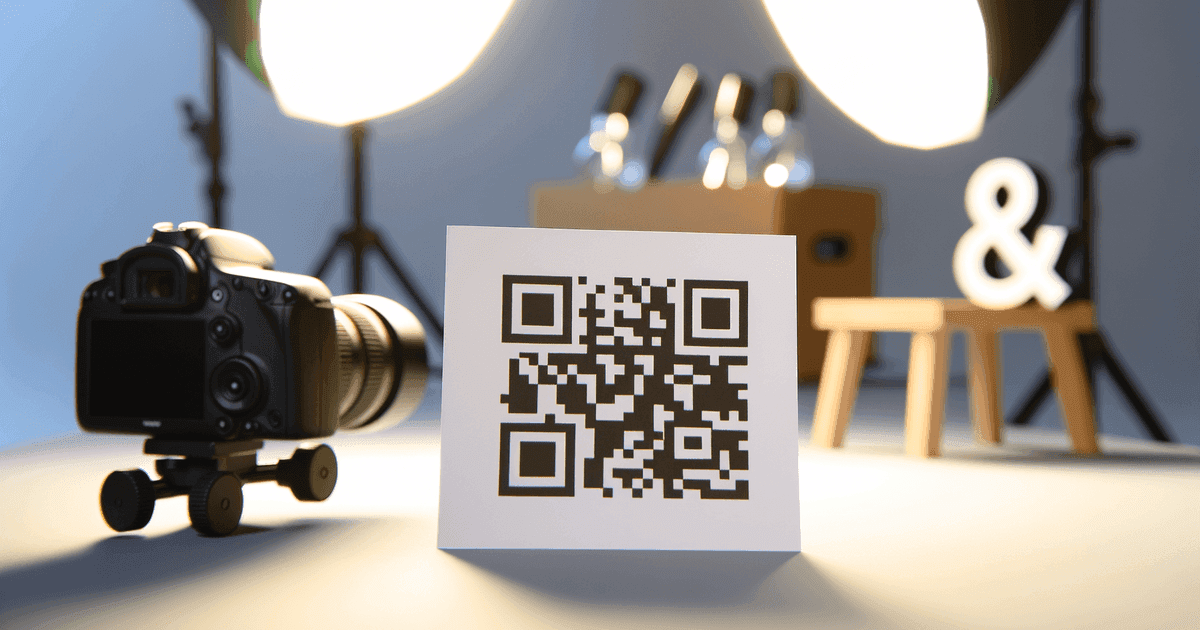

QR codes aren't magic—they're math. Learn how data becomes those black and white patterns, what error correction does, and why some codes outlast others.
Every QR code you scan—on a restaurant menu, a concert ticket, a business card—is the result of the same mathematical encoding process. The seemingly random pattern of black and white squares follows precise rules that allow any smartphone camera to decode it instantly.
Understanding how QR codes are generated won't just satisfy curiosity. It'll help you create better codes and troubleshoot when things go wrong.
The Short Version: Data → Binary → Pattern
Here's the basic process any QR code generator follows:
- Input data - You provide a URL, text, contact info, or other content
- Mode selection - The generator picks the most efficient encoding mode for your data type
- Binary conversion - Your data becomes a string of 1s and 0s
- Error correction - Redundant data is added so the code works even if damaged
- Matrix placement - The binary data fills a grid according to strict placement rules
- Pattern addition - Finder patterns, timing patterns, and alignment patterns are added
- Masking - A mask is applied to ensure the code is scannable
The result is the pattern you see—a matrix of dark and light modules that any QR scanner can read.
Step-by-Step: How Your Data Becomes a Code
1. Encoding Mode Selection
QR codes support four encoding modes, each optimized for different data types:
| Mode | Best For | Characters Supported | Bits Per Character |
|---|---|---|---|
| Numeric | Numbers only | 0-9 | 3.3 bits |
| Alphanumeric | Simple text | A-Z, 0-9, space, $%*+-./: | 5.5 bits |
| Byte | Most URLs, text | Full ASCII/UTF-8 | 8 bits |
| Kanji | Japanese characters | Kanji character set | 13 bits |
Notice how numeric mode is most efficient—a phone number takes less space than a URL of the same length. Smart generators automatically select the optimal mode for your data.
Why URL Shortening Matters
A 100-character URL requires significantly more modules than a 30-character URL. Shorter URLs create simpler codes that scan more reliably from distance and at smaller sizes. This is one practical reason some generators offer built-in URL shortening.
2. Data Encoding to Binary
Your data converts to binary based on the selected mode. For example, in numeric mode:
- Digits are grouped in threes
- Each group converts to a 10-bit binary number
- "123" becomes "0001111011"
In byte mode (used for most URLs), each character converts to its 8-bit ASCII value:
- "A" becomes "01000001"
- "1" becomes "00110001"
- The full URL becomes a long string of binary digits
3. Error Correction Encoding
This is where QR codes get interesting. The Reed-Solomon error correction algorithm adds redundant data that allows recovery even when parts of the code are damaged or obscured.
There are four error correction levels:
| Level | Recovery Capacity | Use Case |
|---|---|---|
| L (Low) | ~7% damage | Clean environments, maximum data capacity |
| M (Medium) | ~15% damage | General purpose, good balance |
| Q (Quartile) | ~25% damage | Industrial use, outdoor exposure |
| H (High) | ~30% damage | Harsh conditions, logo overlays |
Higher error correction means more redundant data—and less room for your actual content. A URL that fits at Level L might not fit at Level H in the same size code.
maximum damage a QR code can sustain and still scan (Level H)
maximum alphanumeric characters in a single QR code
QR code versions (sizes), from 21×21 to 177×177 modules
4. Building the Matrix
The binary data (your content plus error correction) fills the QR code matrix according to specific placement rules. But before that data goes in, the structural elements are placed:
Finder patterns - The three large squares in the corners. These help scanners locate and orient the code. They're always the same: a 7×7 pattern with a dark center.
Timing patterns - Alternating dark and light modules between the finder patterns. These help the scanner determine module size.
Alignment patterns - Smaller locator squares in larger codes (version 2 and above). They help scanners handle perspective distortion.
Format information - 15 bits near the finder patterns that tell the scanner which error correction level and mask were used.
Version information - In codes version 7 and above, additional bits specify the exact code version.
After these elements, your encoded data fills the remaining space in a specific zig-zag pattern, starting from the bottom-right corner.
5. Applying the Mask
Here's something most people don't know: raw QR codes often have problematic patterns—large areas of the same color, or patterns that resemble finder patterns. These can confuse scanners.
The solution is masking. The QR specification defines eight mask patterns, each a mathematical formula that XORs (flips) specific modules. The generator tests all eight masks and selects the one that produces the most scannable result based on penalty rules.
This is why the same data can produce slightly different-looking codes from different generators—they might select different masks. Both codes are equally valid.
Static vs. Dynamic: Different Generation, Different Results
The generation process above applies to all QR codes. The difference between static and dynamic codes comes earlier—in what data gets encoded.
Static Code Generation
Your actual URL (or text, or contact info) goes through the encoding process. The final destination is embedded directly in the code pattern.
Input: https://example.com/menu
Result: Code pattern encodes "https://example.com/menu"
Pros:
- Works forever (no dependency on external servers)
- Fastest possible scanning (direct to destination)
- Free to generate anywhere
Cons:
- Can't be edited after creation
- Can't track scans
- Long URLs create dense, harder-to-scan codes
Dynamic Code Generation
A short redirect URL goes through the encoding process. Your actual destination is stored in a database, and the redirect URL points there.
Input: https://example.com/my-very-long-url-path/with-parameters
Result: Code pattern encodes "https://qrc.example/abc123"
        Redirect server maps abc123 → your actual URL
Pros:
- Shorter encoded URL = simpler, more reliable codes
- Destination can be changed without reprinting
- Scans can be tracked and analyzed
Cons:
- Depends on redirect server availability
- Requires ongoing service (usually paid)
- Your codes die if you stop paying (or the service shuts down)
The Hidden Dependency
Every dynamic QR code depends on a redirect server staying online. If that server goes down—whether for maintenance, business failure, or because you cancelled your subscription—your printed codes stop working. This is the fundamental tradeoff of dynamic codes.
What Makes a Good vs. Bad QR Code
Understanding generation helps you create better codes:
Module Size and Density
More data = more modules = smaller module size. If modules get too small relative to print size, scanning fails. Rules of thumb:
- Minimum print size: Each module should be at least 0.3mm for reliable scanning
- Practical minimum: For a Version 4 code (33×33 modules), minimum size is about 2cm × 2cm
- Environmental factors: Outdoor use, distance scanning, or poor lighting require larger codes
Error Correction Choice
Match error correction to your use case:
- Level L: Digital displays, clean indoor environments
- Level M: General printing, business cards, packaging
- Level Q: Industrial labels, warehouse environments
- Level H: Outdoor signage, codes with logo overlays
URL Optimization
Before generating, optimize your URL:
- Use your shortest domain
- Avoid unnecessary parameters
- Consider whether tracking parameters add value
- If the URL is long, consider whether you need dynamic codes
The Generation Process is Standardized
Here's something the QR code industry doesn't want you to think about too hard: the generation algorithm is standardized. ISO/IEC 18004 specifies exactly how QR codes should be created. Any compliant generator produces functionally identical output for the same input.
This means:
- "Premium" static codes aren't better than free ones
- The same URL generates an equivalent code anywhere
- You're paying for features (editing, tracking, management)—not better code generation
Frequently Asked Questions
Why do different generators create different-looking codes for the same URL?
Two reasons: mask selection and style options. Different generators might choose different masks (all equally valid), and many add visual customization like colors or logos. The underlying encoded data is identical.
Can I generate QR codes without an internet connection?
Yes. Static code generation happens entirely client-side—no internet required. The math runs in your browser. Dynamic codes require a server to create the redirect mapping, so they need connectivity.
Is there a limit to how much data a QR code can hold?
Yes. The largest QR code (Version 40, 177×177 modules) can hold about 7,089 numeric characters, 4,296 alphanumeric characters, or 2,953 bytes at the lowest error correction level. Practical limits are much lower for reliable scanning.
Why do some QR codes scan faster than others?
Simpler codes (fewer modules, higher contrast, cleaner print) scan faster. A short URL with medium error correction in a clean black-and-white design will scan almost instantly. A long URL with custom colors at high error correction may take longer.
Can QR codes contain malware?
QR codes themselves are just data—they can't execute code. But they can contain URLs pointing to malicious sites, just like any link. The danger isn't the QR code; it's blindly trusting where it leads. Always check the URL preview before proceeding.
Generate Your QR Codes
Ready to create codes with this knowledge in mind?
For static codes (permanent, free):
- URL QR codes - Any webpage
- WiFi QR codes - Network credentials
- vCard QR codes - Contact information
- Text QR codes - Plain text messages
No account needed. Your data encodes directly—we don't insert redirects or tracking on free codes.
For dynamic codes with editing and tracking: View our pricing - Transparent costs, no scan limits, no gotchas.
Ready to create your QR code?
Free forever for static codes. Pro features with 14-day trial, no credit card required.

Irina Aguiar
·Content LeadIrina Aguiar leads content strategy at QR Code Maker, where she has written extensively on QR code technology, marketing, and business operations. Her work ranges from technical explainers on how QR codes are generated and how error correction works to practical guides on QR marketing, automation, and scan analytics — plus hands-on tutorials covering Python, Google Sheets, and Zapier integrations. She also publishes honest competitor comparisons and industry-specific playbooks for retail, real estate, hospitality, healthcare, and events.
More from Irina Aguiar →Related Articles
Short URLs and QR Code Technical Best Practices
Shorter URLs create simpler QR codes. Here's the technical detail on URL length, scanning reliability, and best practices that actually matter.
QR Codes vs Barcodes: Which Should You Use? (2026 Guide)
Compare QR codes and barcodes side-by-side. Learn the key differences in data capacity, scanning, and use cases to pick the right code for your needs.
QR Code Error Correction: How Damaged Codes Still Scan (2026)
Learn how QR code error correction works and when to use each level. Understand why damaged QR codes still scan and how to choose the right error correction for your use case.