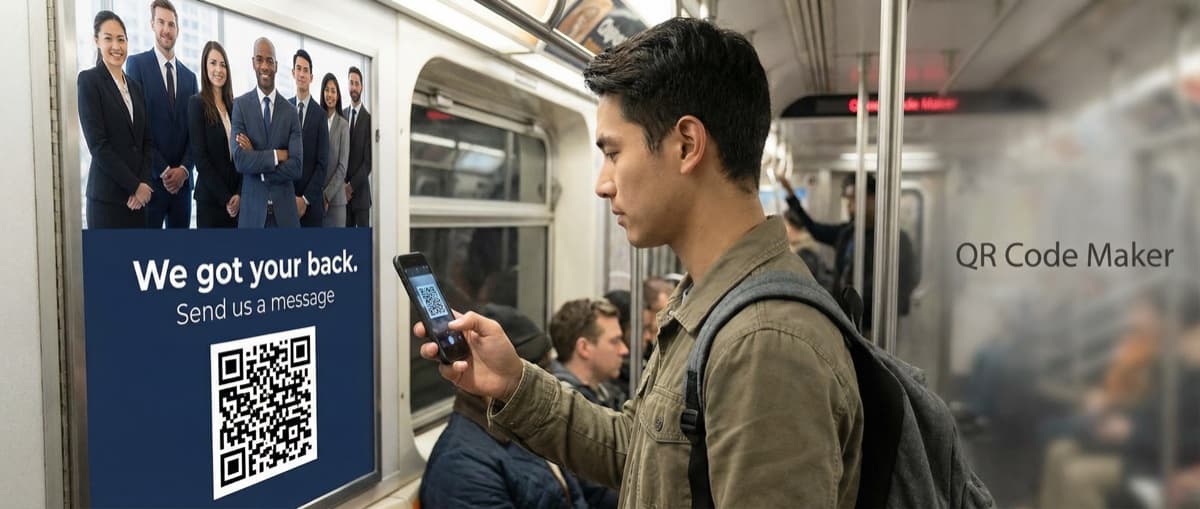

Create SMS QR codes that let people send you a text message with one scan. Perfect for marketing opt-ins, customer support, event RSVPs, and feedback collection.
An SMS QR code is a scannable image that opens a new text message on the user's phone, pre-filled with your phone number and a message. One scan, one tap to send. No typing required.
They're ideal for marketing opt-ins, customer support lines, event RSVPs, and anywhere you want to make it effortless for someone to message you.
What Is an SMS QR Code?
An SMS QR code encodes a phone number and optional message text using the sms: URI scheme. When scanned, the user's phone opens their default messaging app with your number and message already filled in. They just hit send.
Unlike URL QR codes that open websites, SMS codes create a direct communication channel. The user sends an actual text message to your number.
How SMS QR Codes Work
SMS QR codes use the format sms:+15551234567?&body=Your message here. The phone recognizes this and opens the messaging app with everything pre-filled.
Common Uses for SMS QR Codes
Marketing Opt-Ins
Place SMS QR codes on product packaging, print ads, or in-store displays. Users scan to join your SMS marketing list by sending a keyword like "JOIN" or "SUBSCRIBE."
Customer Support
Add to product manuals, receipts, or warranty cards. Customers scan to instantly message your support team—no hunting for contact info.
Event RSVPs
Include on invitations or event posters. Guests scan and send a pre-formatted "ATTENDING" message, making tracking simple.
Feedback Collection
Post-purchase or after service, let customers send quick feedback via text. The friction is so low that response rates increase significantly.
Appointment Confirmations
Healthcare, salons, and service businesses can use SMS codes on appointment cards. Patients scan to confirm or reschedule.
How to Create an SMS QR Code
Step 1: Enter the Receiving Phone Number
Use the full international format with country code:
- US: +1 555 123 4567
- UK: +44 20 1234 5678
- Germany: +49 30 123456
Always Include Country Code
Without the country code, the QR code may not work for international scanners. Always use the full international format.
Step 2: Write Your Pre-Filled Message
Craft the default message users will send. Keep it:
- Short: Under 160 characters to fit in one SMS segment
- Clear: Tell users what they're requesting or confirming
- Actionable: Use keywords for easy processing ("JOIN", "HELP", "CONFIRM")
Examples:
- "JOIN to receive weekly deals from [Brand]"
- "HELP - I need assistance with my order #"
- "CONFIRM appointment for [Date]"
Step 3: Customize the Design
Add your brand colors using our SMS QR Code Generator, and your logo in the dashboard during the free trial or on a paid plan. SMS codes are static, meaning customization won't affect functionality.
Step 4: Test Before Deploying
Critical: Scan the code with a phone that's not your own to verify:
- The correct number appears
- The pre-filled message is accurate
- The messaging app opens properly
Step 5: Download and Use
Export as:
- PNG: For digital use, email signatures, websites
- SVG: For print materials that need to scale
SMS QR Code vs Other Contact Methods
| Method | User Effort | Response Time | Cost to User |
|---|---|---|---|
| SMS QR Code | One tap | Immediate | Standard SMS rate |
| Phone QR Code | One tap + call | Immediate | Call rates |
| Type message | Variable | Free | |
| Contact Form | Fill fields | Variable | Free |
SMS has a 98% open rate compared to 20% for email (Gartner), and average response time is 90 seconds (CTIA). If you need fast, reliable communication, SMS wins.
Best Practices
Keep Messages Concise
The pre-filled message should be complete but concise. Users can edit before sending, but most won't bother if it's already perfect.
Use Clear Call-to-Actions
Tell users what scanning will do: "Scan to join our text list" or "Scan to message our support team."
Consider Two-Way Communication
Make sure someone monitors the receiving number. An SMS QR code that leads to a black hole damages trust.
Track Campaign Performance
Use unique keywords per campaign ("JOIN1", "JOIN2") to track which placements drive the most engagement.
Limitations
- Carrier charges apply: Users pay their standard SMS rates
- No direct tracking: The QR code can't track sends—you track by monitoring incoming messages
- Message length: Keep under 160 characters to avoid splitting
- Smartphone required: Feature phones may not support QR scanning
Frequently Asked Questions
Do users get charged for sending the SMS?
Yes, standard carrier messaging rates apply. The QR code only composes the message—sending uses the user's SMS plan.
Can I track how many people scan the code?
The QR code itself doesn't track scans. However, you can track incoming messages to your number. Use unique keywords per campaign to measure effectiveness.
Does it work internationally?
Yes, as long as you include the full country code. International SMS rates apply based on the sender's carrier.
Can users edit the message before sending?
Yes, the pre-filled text is editable. Users can modify it before tapping send if they want to add details.
How is this different from a phone QR code?
A phone QR code initiates a voice call. An SMS QR code opens the messaging app for text communication. Use phone for immediate conversation, SMS for asynchronous messaging.
Create Your SMS QR Code
Ready to make it easy for customers to message you? Our SMS QR Code Generator is free with a free account, no credit card, and creates codes that never expire.
Use SMS codes for marketing, support, RSVPs, or any situation where a quick text message beats a phone call or email.
Ready to create your QR code?
Free forever for static codes. Pro features with 14-day trial, no credit card required.

Irina Aguiar
·Content LeadIrina Aguiar leads content strategy at QR Code Maker, where she has written extensively on QR code technology, marketing, and business operations. Her work ranges from technical explainers on how QR codes are generated and how error correction works to practical guides on QR marketing, automation, and scan analytics — plus hands-on tutorials covering Python, Google Sheets, and Zapier integrations. She also publishes honest competitor comparisons and industry-specific playbooks for retail, real estate, hospitality, healthcare, and events.
More from Irina Aguiar →Related Articles
Location QR Code: Create Scannable Maps for Your Business (2026)
Create QR codes that open your exact location in Google Maps, Apple Maps, or Waze. Perfect for store locations, event venues, real estate, and navigation.
Text QR Code: Display Plain Text Without Internet (2026)
Create QR codes that display plain text when scanned—no internet required. Perfect for coupons, WiFi passwords, instructions, and offline messages.
Phone QR Code: Create One-Tap Call Codes for Business Cards (2026)
Generate QR codes that initiate phone calls instantly. Perfect for business cards, customer support, emergency contacts, and service materials.