Frames and Call-to-Action Text
Frames add a border and call-to-action text like "Scan for Menu" around your QR code. Choose from simple, rounded, badge, or full frame styles to boost scans.
Frames add a border and call-to-action text around your QR code. They tell people what to do and what they'll get—which, in practice, means more scans.
A bare QR code is a mystery. "Scan for Menu" is an invitation.
Frame Styles
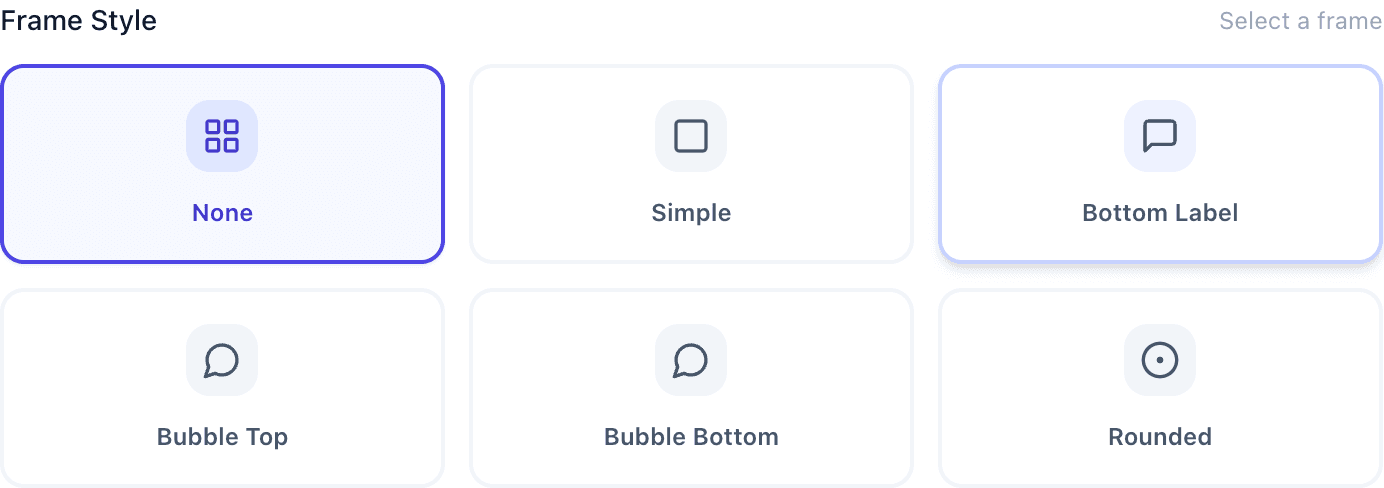
Simple border: A clean line around the code. Subtle and professional without adding much size.
Rounded border: Softer, more modern. Pairs well with rounded QR patterns (see our design customization guide).
Badge frame: A circle or shape behind the code. Very noticeable—good for stickers.
Full frame: Border plus a text area above or below. Most informative, but takes up more space.
Writing Good CTAs
The best call-to-action is specific. "Scan for Menu" beats "Scan Me" because it tells people what they get.
| Industry | Example CTA |
|---|---|
| Restaurant | "Scan for Menu" |
| Retail | "Scan for 10% Off" |
| Business Card | "Scan to Save Contact" |
| Event | "Scan to RSVP" |
| Real Estate | "Scan for Listing Details" |
Keep it to 2-5 words. Match your brand voice. Be specific about the benefit.
For international audiences, a simple "SCAN" with an arrow works without translation.
Adding a Frame
In Customize Design, click the Frame section. Choose your style, enter your CTA text, adjust colors if needed, and preview before downloading.
Size Considerations
Frames increase overall size. Plan for this when allocating space:
| Frame Type | Size Increase |
|---|---|
| Simple border | ~5% |
| Text above or below | ~15-20% |
| Full frame (border + text) | ~25-35% |
When to Skip the Frame
Not every QR code needs one:
- Very small spaces where it won't fit
- Minimalist designs where it'd look cluttered
- Already in a designed context that provides its own CTA
- Part of larger branded materials with instructions nearby
Common Questions
Do frames really help? Yes. People are more likely to scan when they know what they'll get. Context matters.
Can I change the frame later? For dynamic codes, yes—update in the customizer and re-download.
Does the frame affect scanning? No. Frames go around the code, not over it. They don't interfere with the scan.