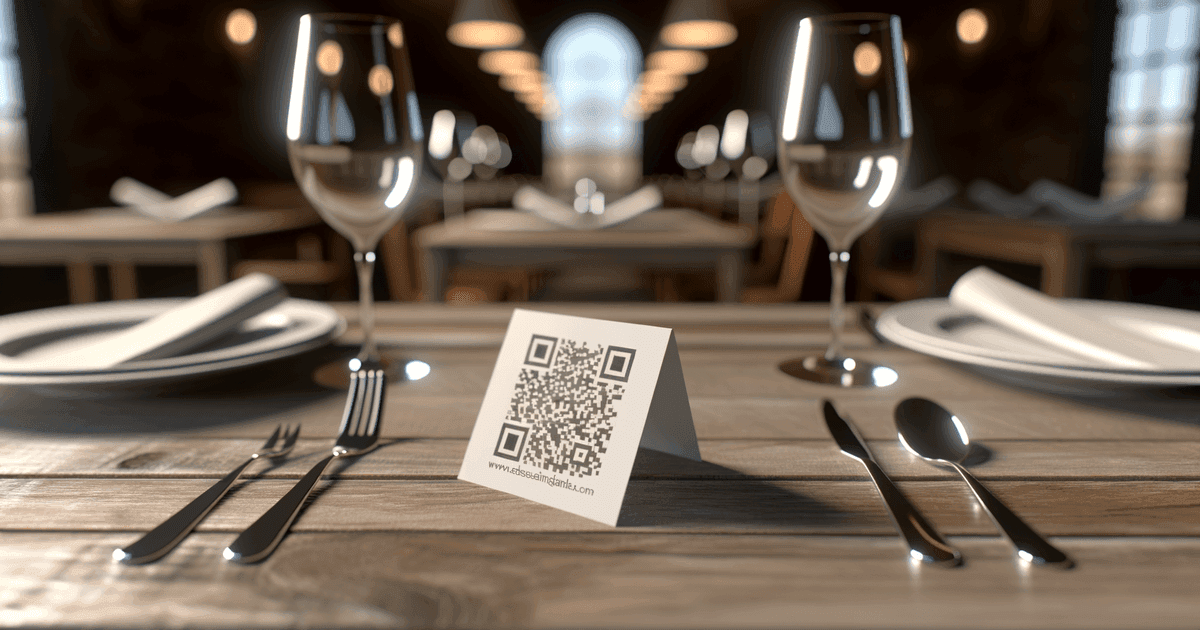

QR code ordering can speed up service and reduce costs—but it's not right for every restaurant. Here's how to evaluate and implement it effectively.
QR code ordering became ubiquitous during the pandemic. Some restaurants kept it because it genuinely improved operations. Others abandoned it because customers hated it. The difference usually comes down to implementation and fit.
This guide helps restaurant operators evaluate whether QR code ordering makes sense for their operation—and how to implement it without alienating customers.
The Reality Check
QR code ordering isn't universally beneficial. Before implementing, understand what it actually does and doesn't do.
What QR Ordering Actually Solves
Order accuracy: Customers enter their own orders. No mishearing "no onions" as "extra onions." No server forgetting modifications. The customer is responsible for what they submit.
Speed in high-volume environments: When servers are the bottleneck, self-service ordering removes that constraint. Customers can order when ready, not when a server is available.
Menu updates without printing: Change prices, add specials, mark items sold out—all in real-time without reprinting menus.
Data collection: See what times are busiest, which items are viewed but not ordered, where in the menu people spend time.
What QR Ordering Doesn't Solve
Staffing shortages: You still need people to prepare food, run it, bus tables, and handle issues. QR ordering shifts server workload; it doesn't eliminate it.
Customer experience (always): Some customers genuinely prefer human interaction. Forcing them through technology creates friction, not convenience.
Service quality: The technology handles ordering. Everything else—food quality, ambiance, hospitality—remains entirely dependent on your team.
Complex orders: Multi-course meals, wine pairings, dietary consultations, special occasions—these benefit from human guidance.
monthly searches for 'qr menu'
typical restaurant profit margin
of customers return where they've built rapport with staff
When QR Ordering Makes Sense
Quick-Service and Fast-Casual
Characteristics: High volume, quick turns, straightforward menus, efficiency-focused customers.
Why it works: Customers already expect speed. They're not there for a relationship with waitstaff. Self-ordering aligns with the experience they want.
Examples: Burger joints, coffee shops, lunch spots, food courts, casual pizza places.
Counter-Service with Seating
Characteristics: Order at counter, food delivered to table, limited server interaction anyway.
Why it works: The experience is already self-directed. QR ordering just digitizes the counter interaction—often faster and with better accuracy.
Examples: Fast-casual restaurants, bakery cafes, order-at-counter taquerias.
High-Volume Events and Venues
Characteristics: Large crowds, limited staff relative to volume, time-constrained service.
Why it works: Waiting in line for a beer at a stadium is frustrating. Ordering from your seat and picking up (or having it delivered) is better.
Examples: Stadiums, concert venues, festivals, hotel pool bars.
Outdoor Seating and Large Patios
Characteristics: Tables spread across large areas, servers covering significant distance.
Why it works: Reduces the walk time between tables. Customers can order immediately rather than waiting for a server to circuit back.
Bars During Peak Hours
Characteristics: Crowded, loud, customers competing for bartender attention.
Why it works: Eliminates the "trying to flag down the bartender" frustration. Orders queue up; drinks are made.
When QR Ordering Hurts
Fine Dining
Why it fails: The experience is the service. Guests expect recommendations, storytelling about dishes, wine expertise, and attentive care. Replacing that with "scan this code" signals that you don't understand your own offering.
The exception: A QR code for the wine list alongside sommelier service can work—it provides information while the human provides expertise.
Relationship-Driven Restaurants
Why it fails: Local spots where regulars know the staff, where the server remembers your usual order, where conversation is part of why you come. Technology interferes with what makes the place special.
Older Demographics
Why it fails: While QR code familiarity has increased dramatically, some customers still struggle with or resent the technology. If your customer base skews older, mandatory QR ordering creates friction.
The solution: Offer QR as an option, not a requirement. Traditional service remains available.
Complex Menus Requiring Explanation
Why it fails: If customers frequently need to ask "what's in this?" or "how spicy is that?" or "what do you recommend?", they'll need human interaction anyway. QR ordering just adds a step.
The Customer Resistance Factor
Some customers actively dislike QR code ordering. They find it impersonal, confusing, or annoying. Forcing these customers through technology they resent creates a negative experience regardless of operational benefits. Consider hybrid approaches that give customers choice.
Implementation Components
QR code ordering requires two separate systems:
1. Online Ordering System
The QR code is just the entry point. You need a system that handles:
- Digital menu display
- Order collection
- Payment processing
- Kitchen/POS integration
- Table identification
Common options:
- Toast: Full POS system with integrated QR ordering
- Square for Restaurants: Integrates with Square POS
- Popmenu: Standalone ordering with menu management
- Your existing POS: Many modern systems have ordering modules
Pricing reality: These systems typically charge 2-5% per transaction and/or monthly fees. Factor this into your margins calculation.
2. QR Codes Themselves
The codes that link to your ordering system. Considerations:
Unique per table: Each table needs a code that identifies where the order comes from. One generic code for the whole restaurant creates chaos.
Static vs. Dynamic: Static codes work if your ordering system URL is permanent. Dynamic codes let you change destinations without reprinting if you switch systems.
Durability: Table-mounted codes get dirty, scratched, and damaged. Plan for replacement or use durable materials.
Visibility: Codes must be scannable in your lighting conditions. Test in dim bar lighting, bright patio sun, and everything between.
Setup Process
Step 1: Choose Your Ordering Platform
Evaluate based on:
- Integration with your existing POS (if any)
- Per-transaction fees vs. your margins
- Menu flexibility for your needs
- Reporting and analytics
- Ease of menu updates
Step 2: Configure Menu and Tables
- Upload complete menu with descriptions, prices, photos
- Set up table identifiers matching your layout
- Configure any order routing (different printers for bar vs. kitchen)
- Test the customer experience thoroughly
Step 3: Generate QR Codes
Create a unique code for each table linking to that table's ordering URL.
URL structure typically: ordering-platform.com/your-restaurant/table-5
What you need:
- Clear labeling (Table 5's code should obviously be for Table 5)
- Print-quality resolution
- Brand customization (optional but professional)
Step 4: Deploy and Test
- Place codes at each table
- Test scanning from all tables in all lighting conditions
- Train staff on the system and common issues
- Do a soft launch with select tables before full deployment
Step 5: Train Staff for New Role
Staff roles change with QR ordering:
- Less order-taking, more food running and table attention
- Helping customers who struggle with technology
- Monitoring for technical issues
- Handling exceptions and special requests
The Hybrid Approach
Many successful implementations offer QR ordering as an option, not a requirement. Table tents say "Scan to order, or your server will be right with you." This captures efficiency-seekers without alienating those who prefer traditional service.
Common Failures and How to Avoid Them
Failure: Codes Don't Scan
Causes:
- Poor lighting
- Codes too small
- Damaged or dirty codes
- Low contrast (light code on light background)
Prevention:
- Test codes in actual conditions
- Minimum 2.5cm × 2.5cm size
- High contrast (black code on white background)
- Regular cleaning and replacement schedule
Failure: Confusing User Experience
Causes:
- Complicated ordering system
- Too many steps to complete order
- Poor mobile optimization
- No clear instructions
Prevention:
- Choose user-friendly ordering platform
- Test with actual customers, not just staff
- Include brief instructions near codes
- Ensure system works on all phone types
Failure: Kitchen Overwhelm
Causes:
- No throttling on order volume
- Orders all arriving at once
- No preparation for increased order accuracy
Prevention:
- Work with ordering platform on timing controls
- Adjust staffing for peak digital order times
- Appreciate that accurate orders may surface previously hidden errors
Failure: Customer Frustration
Causes:
- No alternative for those who can't/won't use technology
- Staff not trained to help
- System goes down with no backup
Prevention:
- Keep paper menus available
- Train staff to assist with technology
- Have manual ordering fallback ready
Measuring Success
Track these metrics to evaluate QR ordering effectiveness:
Operational:
- Average table turn time (before vs. after)
- Order accuracy rates
- Kitchen ticket times
- Staff hours per cover
Financial:
- Per-transaction costs (platform fees)
- Average check size (does it change?)
- Labor cost per cover
- Paper/printing savings
Customer:
- Customer satisfaction scores
- Complaints specifically about ordering
- Repeat visit rates
- Online reviews mentioning ordering
Usage:
- % of orders through QR vs. traditional
- Abandonment rate (start order but don't finish)
- Peak usage times
- Common user issues
Frequently Asked Questions
What does QR code ordering cost to implement?
The QR codes themselves are inexpensive (often free for basic codes). The real cost is the ordering platform—typically 2-5% per transaction and/or $50-300/month subscription fees. Factor ongoing platform costs, not just initial setup.
Can I use QR ordering without a full POS system?
Yes, standalone ordering platforms work independently. However, integration with your POS simplifies operations and provides better reporting. The tradeoff is cost and complexity.
How do I handle customers who refuse to use QR codes?
Keep traditional service available. QR ordering should be an option, not a requirement. Staff should be ready to take orders verbally for customers who prefer it.
Do QR codes work in dim lighting?
They can, but you need to test in your actual conditions. Higher contrast codes and adequate size help. Some restaurants add small lights near codes for visibility.
What happens when the ordering system goes down?
Your staff takes orders the old way. Have paper menus ready and train staff to handle this scenario. Technology isn't 100% reliable—always have a backup.
Getting Started
If you're exploring QR code menus for your restaurant, start with the basics:
For digital menus (view only):
- Restaurant menu QR codes - Link to your existing online menu
- PDF QR codes - Share downloadable menu files
For ordering systems: You'll need an ordering platform first (Toast, Square, Popmenu, etc.). Once configured, create QR codes linking to your ordering URLs.
For tracking and updates: View our pricing for dynamic codes that let you change destinations without reprinting.
The technology is the easy part. The hard work is evaluating whether QR ordering fits your operation and implementing it in a way that improves—rather than diminishes—your customer experience.
Ready to create your QR code?
Free forever for static codes. Pro features with 14-day trial, no credit card required.

Irina Aguiar
·Content LeadIrina Aguiar leads content strategy at QR Code Maker, where she has written extensively on QR code technology, marketing, and business operations. Her work ranges from technical explainers on how QR codes are generated and how error correction works to practical guides on QR marketing, automation, and scan analytics — plus hands-on tutorials covering Python, Google Sheets, and Zapier integrations. She also publishes honest competitor comparisons and industry-specific playbooks for retail, real estate, hospitality, healthcare, and events.
More from Irina Aguiar →Related Articles
QR Code for Restaurant Menu: Complete Setup Guide (2026)
Create a QR code menu for your restaurant. Learn setup options, best practices for placement, and how to keep your digital menu updated.
QR Codes for Gift Registries: Simplifying Wedding and Event Gifting
Share your wedding, baby shower, or celebration registry with a simple scan. Here's how to create and share registry QR codes effectively.
QR Code Gift Cards: Personal Gifting and Business Implementation
QR codes can add a personal touch to digital gift-giving or streamline your business's gift card program. Here's how to use them effectively in both contexts.