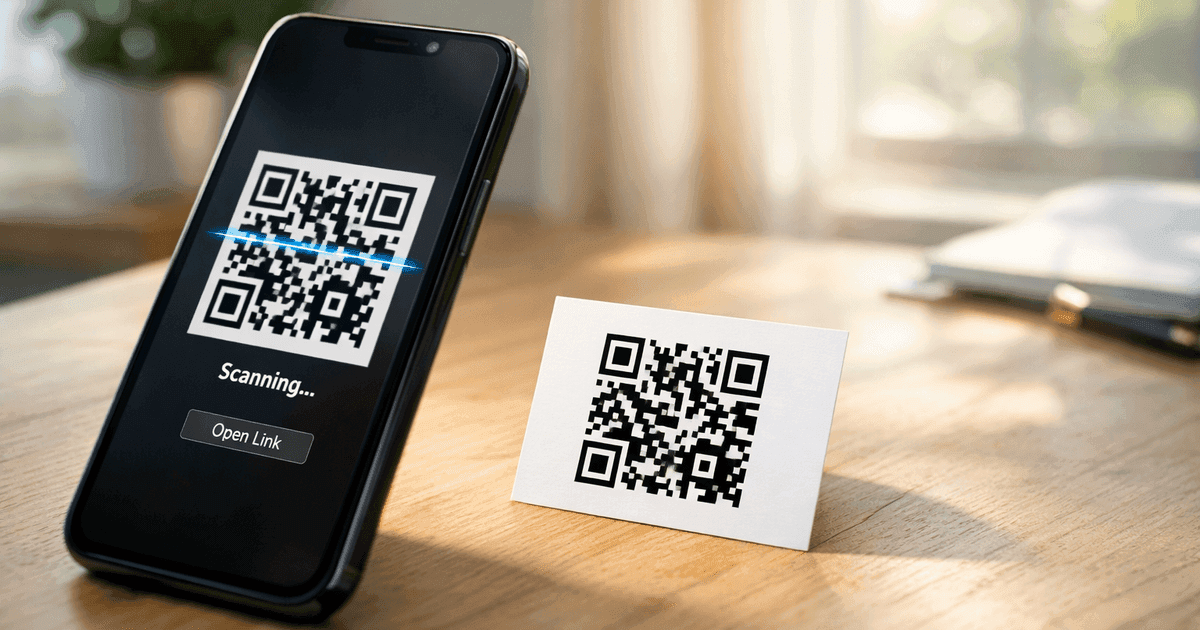

Get instant scan notifications via Slack or SMS. Learn how to set up real-time QR code alerts in 5 minutes with no coding required.
You printed QR codes for your marketing campaign, but now you're wondering: is anyone actually scanning them? Checking analytics manually is tedious, and by the time you notice a spike, the moment has passed.
What if your QR codes could tell you the instant someone scans them?
Why Scan Notifications Matter
Real-time awareness changes how you respond to your QR code campaigns:
Instant Lead Alerts - When a prospect scans your trade show booth QR, your sales rep can follow up within minutes instead of days. Speed-to-lead directly impacts close rates.
Campaign Validation - See immediately when your print ads, postcards, or flyers are working. No more waiting for weekly reports to know if a placement was worth it.
Event Check-In Visibility - Know the moment attendees arrive. Event managers can track real-time attendance without refreshing a dashboard.
Proof That Print Works - Digital marketers often question print ROI. Scan notifications provide concrete evidence that offline materials drive engagement.
faster response
Method 1: Slack Notifications via Zapier (Recommended)
For teams that live in Slack, getting scan alerts in your workspace is a game-changer. Your whole team sees when campaigns are working.
Step-by-Step Setup
Step 1: Create a Zapier account (free tier works for this)
Step 2: Search for "QR Code Maker" in Zapier's app directory
Step 3: Create a new Zap with these settings:
- Trigger: QR Code Maker > QR Code Scanned
- Action: Slack > Send Channel Message
Step 4: Connect your accounts
- Authorize Zapier to access your QR Code Maker account via OAuth
- Select which Slack workspace and channel to post to
Step 5: Customize your message format
New scan on {{qr_code_name}}
Location: {{city}}, {{country}}
Device: {{device_type}} ({{operating_system}})
Total scans: {{scan_count}}
Step 6: Test and activate your Zap
Why Slack Notifications Win
- Visible to the whole team - Everyone sees campaign performance
- Real-time - Alerts appear within seconds of a scan
- Actionable - Jump into discussion threads immediately
- Searchable - Find past scan events easily
Start with a Pre-Built Template
Skip the setup - use our ready-made Zapier template for Slack scan notifications.
Use Slack TemplateMethod 2: SMS for High-Priority Scans
For truly critical alerts, nothing beats a text message. Use SMS for scans that require immediate action.
When SMS Makes Sense
- VIP lead engagement - Know instantly when a high-value prospect scans
- Security-sensitive codes - Alert when restricted-access QR codes are used
- Time-critical promotions - Flash sales where timing matters
How to Set It Up
Connect QR Code Maker to Twilio, SMS by Zapier, or similar services:
- Create a Zap with QR Code Scanned trigger
- Add a Filter step to only alert for specific QR codes
- Connect to your SMS provider as the action
- Map the scan data to your message template
Pro tip: Add filters to avoid alert fatigue. Only send SMS for your most important QR codes.
Milestone Notifications: Our Unique Feature
Here's something no other QR code tool offers: milestone-based triggers.
Get notified when your QR codes hit significant scan counts: 1, 10, 50, 100, 500, 1,000, 5,000, or 10,000 scans.
Why Milestones Matter
Celebrate Wins - Post to your team channel when a campaign hits 1,000 scans. Build momentum and morale.
Trigger Campaign Phases - Automatically launch phase 2 of a campaign when phase 1 proves successful.
Alert Stakeholders - Let executives know when content goes viral without manual reporting.
Optimize Spend - Reallocate budget to high-performing placements once they prove themselves.
Setting Up Milestone Alerts
- Create a Zap with Scan Milestone Reached trigger
- Select which milestones to track (or all of them)
- Connect to Slack, email, or your preferred notification channel
- Customize your celebration message
Campaign milestone reached!
{{qr_code_name}} just hit {{milestone}} scans!
Current total: {{scan_count}}
Only at QR Code Maker: We're the only QR tool with milestone triggers in Zapier. Competitors can tell you about individual scans, but they can't automatically celebrate when you hit 1,000.
What Data You Get in Each Notification
Every scan notification includes:
| Data Field | Description | Example Use |
|---|---|---|
| Timestamp | Exact time of scan | Track peak engagement hours |
| QR Code Name | Which code was scanned | Attribute to specific campaigns |
| Destination URL | Where the user was sent | Verify correct routing |
| City & Country | Approximate location | Geographic targeting insights |
| Device Type | Mobile or desktop | Optimize for primary devices |
| Operating System | iOS, Android, Windows, etc. | Platform-specific follow-ups |
| Total Scan Count | Running total for this code | Track cumulative performance |
Filtering by Location or Device
Use Zapier's built-in filters to create smart notification rules:
- Only notify when scans come from a target country - Focus on your primary market
- Filter by device type - Know when mobile vs. desktop users engage
- Route to different channels - EU scans go to the EU team, US scans go to the US team
Common Use Cases
Sales Teams: Trade Show Lead Alerts
Display a QR code at your booth linking to a demo request form. When prospects scan:
- Instant Slack notification to the sales team
- Lead created in Salesforce automatically
- Follow-up email sequence triggered
Result: Your rep approaches the prospect within minutes, while they're still at the event.
Event Managers: Real-Time Check-In
Attendees scan QR codes on their tickets or badges to check in:
- Scan notification logged to a spreadsheet
- Running count displayed on a dashboard
- Team notified when capacity thresholds are reached
Result: Live visibility into attendance without manual counting.
Marketing Teams: Campaign Performance
Create unique QR codes for each print placement:
- Daily digest email summarizing scan activity
- Milestone notifications when placements hit 100+ scans
- Weekly automated report comparing all placements
Result: Data-driven decisions about which print locations deserve more investment.
Retail & Restaurants: Menu Engagement
QR codes on tables link to digital menus:
- Track which tables get the most scans
- Monitor peak engagement times
- Know when QR codes need refreshing (zero scans = damaged or removed)
Result: Optimize table placement and identify maintenance needs.
Troubleshooting Common Issues
"I'm not receiving notifications"
- Verify your Zap is turned on (not paused)
- Check the Zapier task history for errors
- Confirm the notification destination is correct (right Slack channel, email address)
"Notifications are delayed"
- Free Zapier plans poll every 15 minutes
- Upgrade to a paid Zapier plan for real-time webhook triggers
- Check your email/Slack notification settings
"Too many notifications"
- Add Zapier filters to only alert for specific QR codes
- Switch from real-time to daily digests
- Create summary notifications instead of per-scan alerts
Get Started in 5 Minutes
Ready to know the moment someone scans your QR code?
- Sign up for QR Code Maker if you haven't already (free tier available)
- Create a dynamic QR code (required for scan tracking)
- Connect to Zapier using our pre-built templates
- Test your notification by scanning the code yourself
- Deploy and monitor - you'll never miss a scan again
Start Getting Scan Notifications Today
Connect your QR codes to Slack, email, or SMS. Know the moment someone engages with your campaigns.
Create Free AccountFrequently Asked Questions
Can you tell who scanned your QR code?
No—you don't get any personal information. Scan analytics are anonymous and aggregate: approximate location, device type, and timestamp. There are no names, emails, or phone numbers. If you want to identify someone, send the scan to a form or sign-up page and let them choose to share their details.
Do I need coding skills to set up scan notifications?
No. Zapier uses a visual builder—pick a trigger, connect an app, map a few fields. If you can fill out a form, you can build the automation.
Are scan notifications available on the free plan?
Yes. The free account includes one trackable dynamic code with basic scan analytics, so you can wire up notifications without paying QR Code Maker anything; paid plans add more dynamic codes and longer analytics retention. Note that Zapier's own free tier (about 100 tasks/month) limits how many notifications it can send.
How quickly do notifications arrive after a scan?
On webhook-based triggers (which need a paid Zapier tier) notifications arrive within a few seconds. Zapier's free tier polls on a schedule—often every 15 minutes—so alerts are delayed but still automatic.
Can I get notified only for specific QR codes?
Yes—add a Zapier filter step so the notification only fires for codes matching a name, folder, or other criterion. That keeps a high-traffic code from flooding your inbox while a low-volume campaign code still alerts you on every scan.
What's the difference between scan notifications and milestone notifications?
A scan notification fires for every individual scan. A milestone notification fires once when a code crosses a threshold like 100, 500, or 1,000 total scans. Use per-scan alerts for low-volume codes (a trade-show lead) and milestones for high-volume campaigns where every scan would be noise.
Related Resources
- QR Code Maker + Zapier Integration - Full integration guide
- Automatically Create QR Codes from Google Sheets - Bulk generation automation
- QR Code Milestone Triggers - Campaign phase automation
- Bulk QR Code Generator — Create hundreds of QR codes from a CSV file
Ready to create your QR code?
Free forever for static codes. Pro features with 14-day trial, no credit card required.

Irina Aguiar
·Content LeadIrina Aguiar leads content strategy at QR Code Maker, where she has written extensively on QR code technology, marketing, and business operations. Her work ranges from technical explainers on how QR codes are generated and how error correction works to practical guides on QR marketing, automation, and scan analytics — plus hands-on tutorials covering Python, Google Sheets, and Zapier integrations. She also publishes honest competitor comparisons and industry-specific playbooks for retail, real estate, hospitality, healthcare, and events.
More from Irina Aguiar →Related Articles
How to Automatically Create QR Codes from Google Sheets
Generate QR codes automatically when you add rows to Google Sheets. Step-by-step Zapier setup for bulk QR code creation - no coding required.
QR Code Milestone Triggers: Automate Campaigns at 100, 500, 1000 Scans
Trigger automations when your QR codes hit 100, 500, or 1,000 scans. Celebrate wins, launch campaign phases, and alert stakeholders automatically.
LinkedIn QR Code: Share Your Profile Instantly (2026 Guide)
Create a LinkedIn QR code to share your profile, company page, or post with one scan. Step-by-step guide with design tips, placement ideas, and tracking.