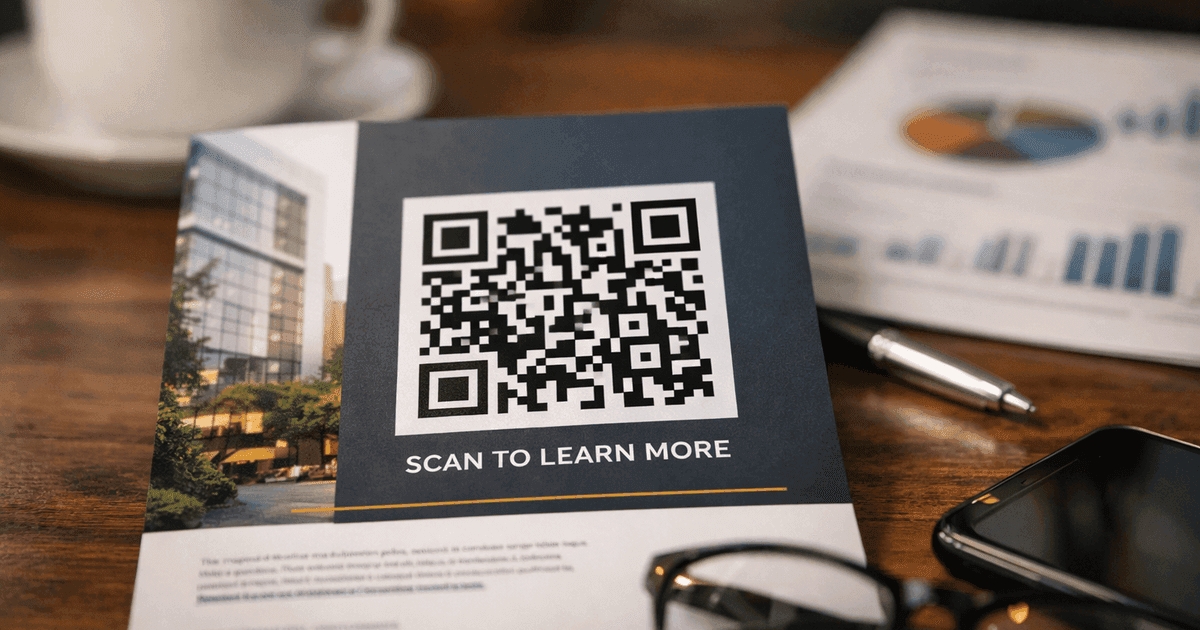

Learn how to generate a QR code for Instagram with this guide. Discover the best tools, custom designs, and strategies to grow your followers.
Creating a QR code for your Instagram profile is a straightforward way to connect your physical marketing with your digital presence. Whether you use Instagram's built-in feature or a dedicated QR code generator, you can create a simple tool that turns real-world interactions into new followers with a single scan.
This guide provides actionable, step-by-step advice for small business owners, marketers, and event organizers who want to create professional, effective QR codes.
Why Your Business Needs an Instagram QR Code
Before diving into the "how," let's explore the "why." An Instagram QR code is a powerful bridge between your physical and online presence, eliminating the friction that often prevents potential customers from following you. Instead of asking them to manually search for your handle, you offer an instant connection.
This simple tool is a game-changer for businesses looking to grow their audience. Here are a few practical, real-world examples of how it works:
- Restaurants & Cafes: Place a QR code on a table tent or menu. A customer can scan it to see daily specials on your Instagram Stories, enter a contest, or simply follow you for future updates.
- Retail Stores: Add a QR code to a product tag. A shopper can scan it to watch a Reel of how others styled the item, giving them instant social proof and styling ideas.
- Event Organizers: Display a large QR code on a banner at a conference or market. Attendees can scan it to get live updates, access speaker schedules, or follow your behind-the-scenes content.
- Business Cards: A QR code on your business card can link directly to your portfolio or client testimonials on your Instagram profile, turning a simple introduction into an interactive experience.
- WiFi Sharing: A cafe or co-working space can use a QR code to grant WiFi access, adding a call-to-action like "Follow us on Instagram while you connect!"
Static vs. Dynamic: A Crucial Choice
One of the first decisions you'll make is whether to create a static or dynamic QR code. This choice is critical for any professional marketing effort.
A static QR code is permanent. The destination link is encoded directly into the pattern, and it cannot be changed once the code is generated. If your Instagram handle changes or you want to redirect users to a specific post, you must create an entirely new QR code.
A dynamic QR code, however, is editable. It points to a short redirect URL that you can update at any time. This means you can change the destination link—from your main profile to a new product launch Reel, for example—without reprinting the physical QR code. This flexibility is essential for marketers.
The pandemic turned QR codes from a niche tech curiosity into an everyday tool. Global usage shot up by a staggering 433%, and by 2025, forecasts predict over 2.9 billion people will be scanning them regularly. They're no longer optional; they're essential. You can find more stats on this trend over at Barkoder.com.
Choosing the right type of code from the start is the foundation of a successful QR code strategy.
Choosing the Right QR Code Tool for Your Goals
You have two main options for creating an Instagram QR code: using Instagram’s built-in tool or leveraging a professional QR code generator. While both create a scannable code, they serve very different purposes.
Instagram's native tool is fast and free, making it suitable for quick, personal sharing. However, for any business application—like marketing materials, product packaging, or event signage—its limitations are a significant drawback.
The Professional Advantage with QR Code Maker
This is where a dedicated tool like QR Code Maker shines. It transforms a simple link into a powerful marketing asset, primarily through the use of dynamic QR codes. They provide a level of flexibility and insight that static codes simply cannot match.
A professional generator unlocks features that are vital for marketing success. You can customize the QR code with your brand's logo and colors, making it more recognizable and trustworthy. Most importantly, you can track detailed analytics to see who is scanning your code, where they are, and when. This data is invaluable for understanding your audience and measuring campaign effectiveness.
This decision tree illustrates the choice clearly: if you need to track performance or edit the link later, you need a dynamic code.
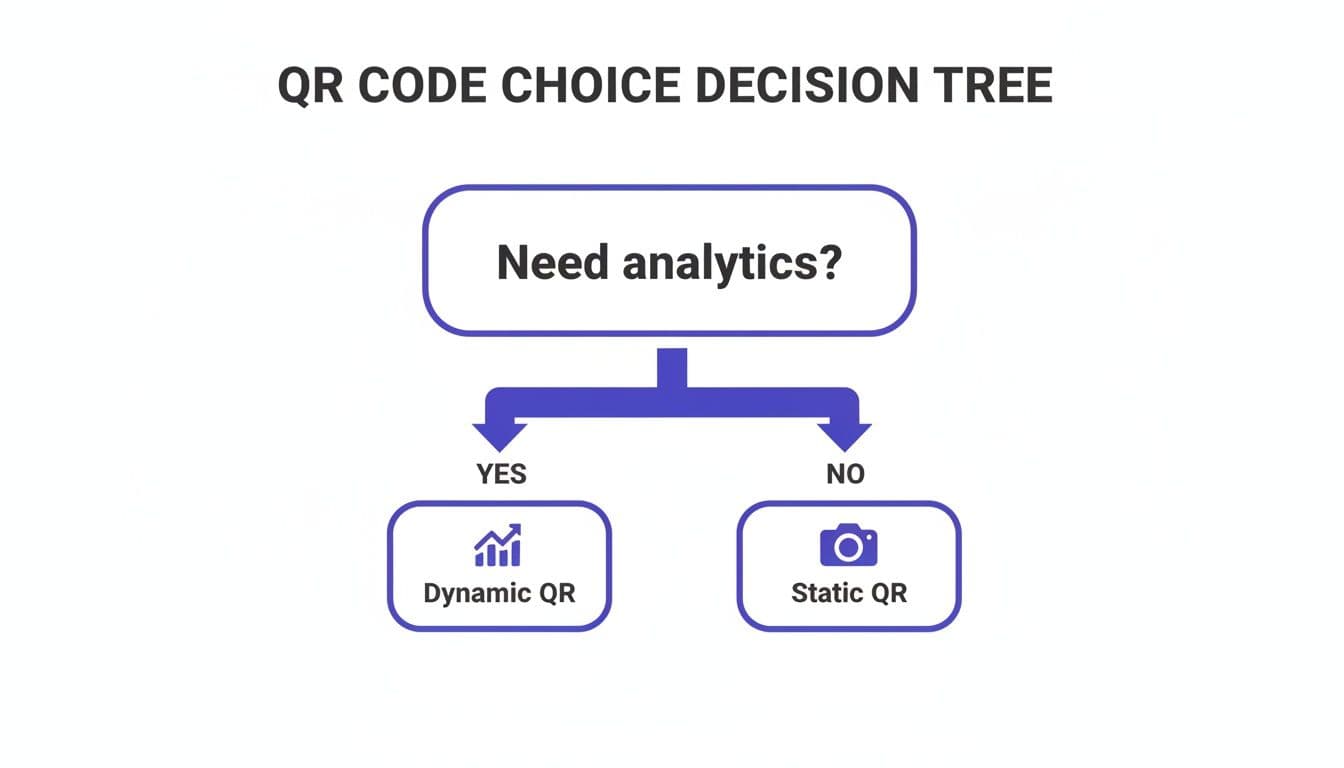
As the graphic shows, if you need to measure a campaign's performance, a dynamic code is the only real option.
Instagram's Native QR Code vs. Professional QR Code Maker
The right tool depends on your goals. This table breaks down the key differences to help you make an informed decision.
| Feature | Instagram Native QR Code | Professional QR Code Maker (Dynamic) |
|---|---|---|
| Editable Destination | No | Yes - Change the link anytime without reprinting the code. |
| Scan Analytics | No | Yes - Track scans by location, time, and device. |
| Customization & Branding | Minimal color options | Full control over colors, patterns, and logo integration. |
| Link Type | Instagram Profile Only | Links to any URL (profile, post, Reel, Story Highlight, etc.). |
| Cost | Free | Typically requires a subscription for dynamic features. |
| Best For | Quick personal sharing | Marketing campaigns, print materials, and performance tracking. |
Ultimately, for any serious business use, the tracking and editing capabilities of a professional tool like QR Code Maker are essential for measuring ROI and adapting your strategy.
Why Analytics and Branding Matter
Let's be blunt: Instagram's built-in QR code is a dead end for marketers. It offers zero scan analytics, no way to change the link later, and minimal branding options. That's a huge missed opportunity. In fact, custom-branded dynamic QR codes can see 48% higher scan rates than plain, static ones. That's a massive difference in engagement.
Practical Tip: Imagine you print 5,000 flyers for an event with a QR code linking to your Instagram profile. A week later, you decide it would be more effective to send people to a promotional Reel instead. With a static code, you're stuck. With a dynamic code from a tool like QR Code Maker, you simply log in, update the destination link, and you're done in seconds. No reprinting needed.
Choosing a professional tool gives you control. You can create a simple URL QR code for your Instagram profile and later point it to a specific product or offer. This adaptability is what makes QR codes a genuine marketing channel, not just a static image.
How to Create a Branded Instagram QR Code That Gets Scanned
Now, let's walk through the practical steps of creating a QR code that not only works but also strengthens your brand. A custom, branded code builds trust and encourages more people to scan it.
Step 1: Get Your Instagram URL
First, you need the correct link. Open your Instagram profile in a web browser (not the app) and copy the URL from the address bar. It should look like this: https://www.instagram.com/yourusername.
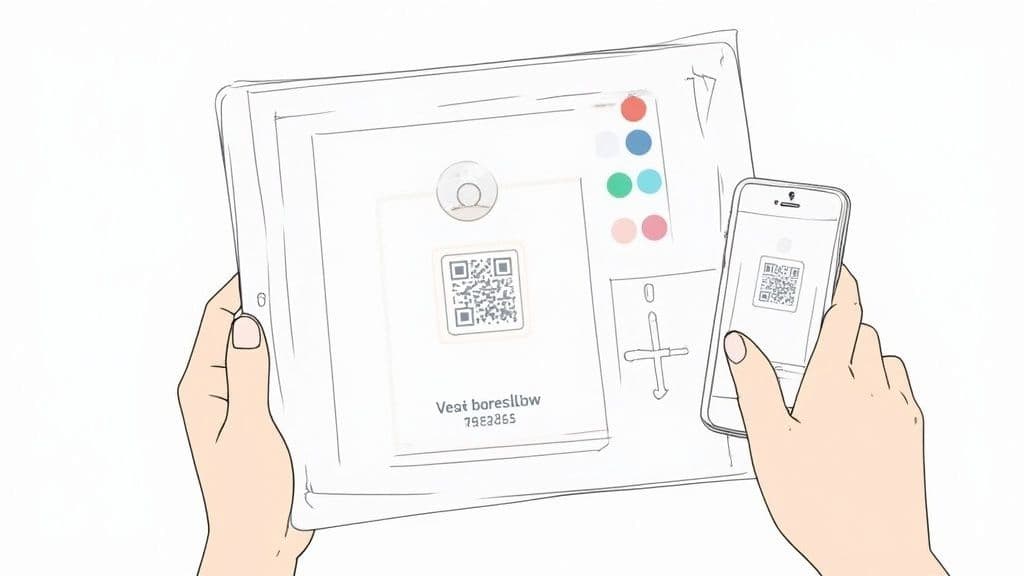
This URL is the bridge between your physical marketing materials and your digital presence.
Step 2: Customize for Brand Recognition
With your URL ready, use a tool like QR Code Maker to design a code that reflects your brand identity. Here are the key elements to customize for a professional look:
- Add Your Logo: This is non-negotiable. Placing your logo in the center of the code instantly signals that it’s official and safe to scan, increasing user trust.
- Use Brand Colors: Ditch the standard black and white. Use your primary brand colors for the code and background, but ensure there is high contrast between the two. A dark code on a light background is always a safe bet for scannability.
- Choose a Frame with a Call-to-Action (CTA): A simple frame with a clear CTA can significantly boost scans. Use phrases like "Follow Us on Instagram," "Scan for Daily Deals," or "See Our Work." This tells users exactly what to expect.
These small design tweaks make your code look professional and inviting. For a full breakdown, check out our guide on how to design a QR code that stands out.
Step 3: Finalize and Export Your Code
Before printing anything, always test your QR code. Scan it with multiple devices (both iPhone and Android) and different camera apps to confirm it works perfectly. A non-working QR code on printed materials is a wasted opportunity.
Finally, choose the right file format for your needs:
- PNG: Best for digital use, such as on websites, in email signatures, or on social media posts. It offers high quality and works great on screens.
- SVG: Essential for print. An SVG is a vector file, which means you can scale it to any size—from a business card to a billboard—without it losing quality or becoming blurry. This ensures your code remains sharp and scannable at any size.
Where to Place Your QR Code for Maximum Impact
A well-designed QR code is only effective if people see and scan it. Strategic placement is the key to turning your code into a successful marketing tool. The goal is to place it where your audience has a moment of dwell time and easy access to their phones.
Think about the context. You want to catch people at the exact moment they’re most engaged with your brand or environment.
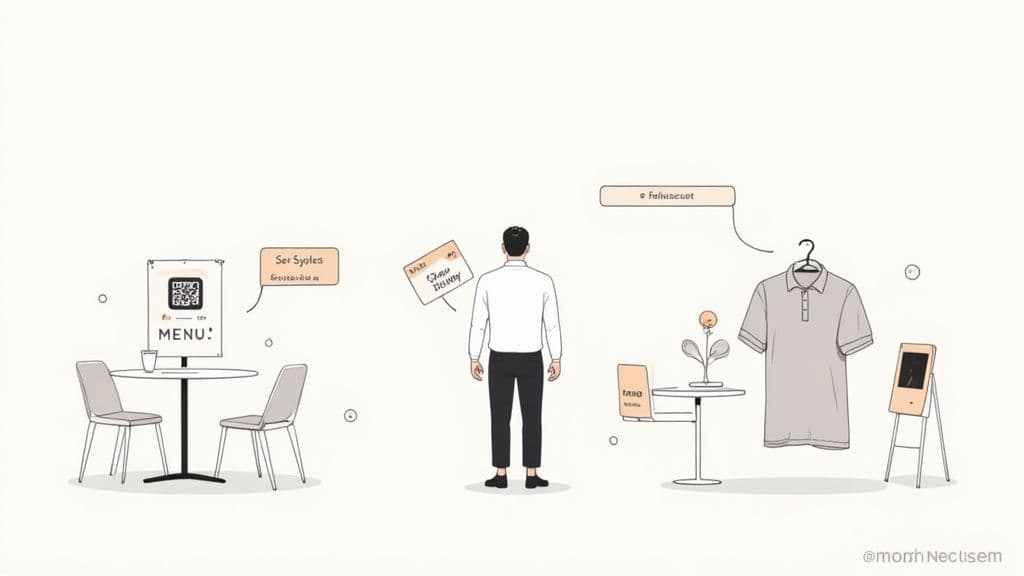
Imagine a customer in your cafe. Placing a QR code on the coffee cup sleeve is a perfectly timed invitation. They are relaxed, their phone is likely on the table, and a quick scan can turn a daily coffee run into a new follower.
High-Impact Physical Placements
Consider the physical journey your customers take with your brand. Any point where they pause is a potential opportunity for a scan.
- Product Packaging and Tags: A clothing brand can add a QR code to a tag that links to a Reel showing five ways to style that item. This provides immediate value and helps the customer visualize the product in their own life.
- Menus and Table Tents: A must-have for any restaurant or cafe. A simple "Follow us for weekly specials" next to a QR code on the menu gives diners a reason to connect while they wait.
- Business Cards and Flyers: Transform your business card from a static piece of paper into an interactive gateway. A QR code can take a new contact directly to your portfolio on Instagram.
- Event Banners and Signage: At a trade show or market, a large, scannable QR code on your banner is a networking game-changer. It allows attendees to follow you in seconds without having to type your username.
Smart Digital Placements
Your QR code isn't just for the physical world. It can also create a seamless experience across your digital channels.
An easy win is to add the QR code to your email signature. Every email you send becomes a subtle invitation to connect on Instagram. You can also place it on your website's contact page or in the footer, giving site visitors another simple way to find your social channels.
Best Practice: A QR code without a call-to-action (CTA) is a missed opportunity. Don't just show the code; tell people why they should scan it. "Scan to see our portfolio," "Follow for 10% off," or "Join our community" provides a clear incentive and can dramatically increase scan rates.
Tracking Your QR Code Performance and ROI
This is where dynamic QR codes truly prove their value. With a professional tool like QR Code Maker, you can move beyond guesswork and measure the real-world impact of your campaigns.
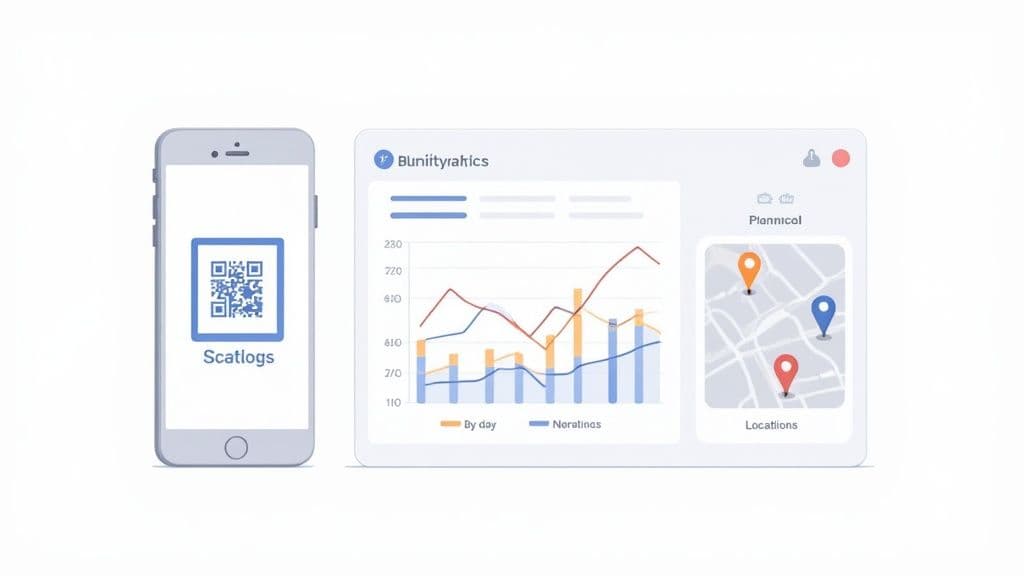
The analytics dashboard acts as your mission control, providing insights into user engagement. Instead of wondering if people are scanning the code on your new flyer, you can see exactly how many are, where they're located, and when they are most active.
Turning Data Into Decisions
Understanding these metrics is the key to refining your strategy and proving your return on investment (ROI). With dynamic QR codes, you can track essential data points:
- Total Scans: The most direct metric, showing overall engagement with your code.
- Unique Scans: Reveals how many different people have scanned your code, giving you a clearer picture of your audience size.
- Geographic Location: Shows the cities and countries where your scans are coming from, which is invaluable for local marketing campaigns.
- Time of Day: Identifies when your audience is most likely to scan, helping you optimize the timing of your promotions and posts.
This data provides a direct feedback loop from your customers.
Use Case Example: A restaurant owner places QR codes on both table tents and takeaway bags. The analytics dashboard reveals that the takeaway bag codes are scanned most often on Friday evenings. This insight tells the owner exactly when their most engaged customers are interacting with their brand. They can then schedule their most important Instagram posts for that time to maximize reach and impact.
This is how to generate a QR code for Instagram that delivers measurable business results. By analyzing its performance, you can make smarter decisions about your marketing efforts. For a deeper dive, our guide explains more about how to track QR code scans and interpret the analytics.
Common Questions About Instagram QR Codes
Here are answers to some of the most common questions from marketers and business owners starting with QR codes.
Can I Change the Instagram Link After Printing My QR Code?
Yes, but only if you use a dynamic QR code. This is the core advantage of using a professional generator like QR Code Maker. Dynamic codes can be edited at any time, allowing you to update the destination URL without reprinting the physical code.
A static QR code, including the one generated within the Instagram app, is permanent and cannot be changed.
What Is the Best Size for Printing My QR Code?
As a general rule, a QR code should never be printed smaller than 1 x 1 inch (or 2.5 x 2.5 cm). This size works well for materials viewed up close, like business cards and flyers.
For items viewed from a distance, such as posters or banners, the code must be scaled up accordingly. A good guideline is a 10:1 distance-to-size ratio; if the code will be scanned from 10 feet away, it should be about 1 foot wide.
Best Practice: Always perform a test scan from the intended viewing distance before a full print run. This simple step can prevent a costly mistake.
Will My Instagram QR Code Expire?
This depends on the type of code you create.
Static QR codes never expire. They will continue to work as long as the destination Instagram URL is active.
Dynamic QR codes are linked to a service. They remain active as long as you have an active subscription with the provider, which is necessary to power the tracking and editing features.
Ready to create a professional, trackable QR code that grows your Instagram following? With QR Code Maker, you can design, manage, and analyze your codes in minutes. Start creating your dynamic Instagram QR code today.
Frequently Asked Questions
What is the difference between static and dynamic QR codes?
Static QR codes have a fixed destination that cannot be changed, while dynamic QR codes can be edited to point to different URLs at any time.
Why should I use a professional QR code generator instead of Instagram's native tool?
A professional QR code generator offers customization, analytics tracking, and the ability to change the link, making it more suitable for business marketing.
How can I increase the scan rate of my QR code?
Using branded dynamic QR codes and placing them strategically in high-traffic areas can significantly boost scan rates.
What file format should I use for my QR code?
Use PNG for digital applications and SVG for print, as SVG files maintain quality at any size.
How do I ensure my QR code works before printing?
Always test your QR code with multiple devices and camera apps to confirm it scans correctly before printing.
Ready to create your QR code?
Free forever for static codes. Pro features with 14-day trial, no credit card required.

Irina Aguiar
·Content LeadIrina Aguiar leads content strategy at QR Code Maker, where she has written extensively on QR code technology, marketing, and business operations. Her work ranges from technical explainers on how QR codes are generated and how error correction works to practical guides on QR marketing, automation, and scan analytics — plus hands-on tutorials covering Python, Google Sheets, and Zapier integrations. She also publishes honest competitor comparisons and industry-specific playbooks for retail, real estate, hospitality, healthcare, and events.
More from Irina Aguiar →Related Articles
Survey QR Code: Your Guide to Gathering Feedback Instantly
Learn how to create a dynamic survey QR code to collect valuable customer feedback instantly. Our guide covers everything from creation to analysis.
The 12 Best QR Code Monkey Alternative Tools in 2026
Searching for a QR Code Monkey alternative? Discover the 12 best QR code generators for creating dynamic, branded, and trackable codes for your business.
How to Create a QR Code: A Practical Guide for Businesses
Learn how to create a QR code that drives results. This practical guide covers branded designs, dynamic tracking, and real-world uses for your business.